
"Does your platform have a native NetSuite integration?" It is one of the first questions a finance or IT lead asks a payments provider, and one of the hardest to get a straight answer to. Ask five vendors and you will get five variations of "yes" — a pre-built connector, an app in the ERP's marketplace, a certified partnership, and a generic API all get described with the same word.
That ambiguity is not a vendor conspiracy. It is a real gap in vocabulary. "Native" has become a marketing term, and the only way to buy well is to replace it with something you can verify. This guide is about the question behind the question: which payment platforms actually connect to your accounting system, how deeply, and how do you tell the difference before you commit?
Which Payment Platforms Actually Have Native ERP Integrations?
There is no single league table, because the answer depends on your ERP and on what you expect the integration to do. The market sorts into four archetypes, and they occupy very different positions.
ERP-native suites. Accounting systems that now sell their own payment capability — bill pay built into the ledger. Integration is trivially "native" because the payment and the books share one database. The trade-off is reach: coverage of currencies, corridors, and local rails is usually narrower than a dedicated payments provider.
Focused payment platforms. Issuing, gateway, or payout specialists that build and maintain connectors for a small set of ERPs — often QuickBooks and NetSuite first, because that is where the demand is. Depth is high for the ERPs they support; breadth across every ERP is not.
Orchestration and payables platforms. Tools that sit between your ERP and multiple payment rails, with an integration layer of their own. They rarely claim a deep connector for every ledger, but they tend to handle reconciliation and status sync well.
Banks and enterprise providers. Strong on rails and on treasury, historically weaker on accounting integration, increasingly closing the gap through APIs and file formats such as ISO 20022.
The practical takeaway: the platform you want is the one whose depth matches the ERP you actually run, not the one with the longest logo wall.
What "Native Integration" Really Means: Connectors, iPaaS, and APIs
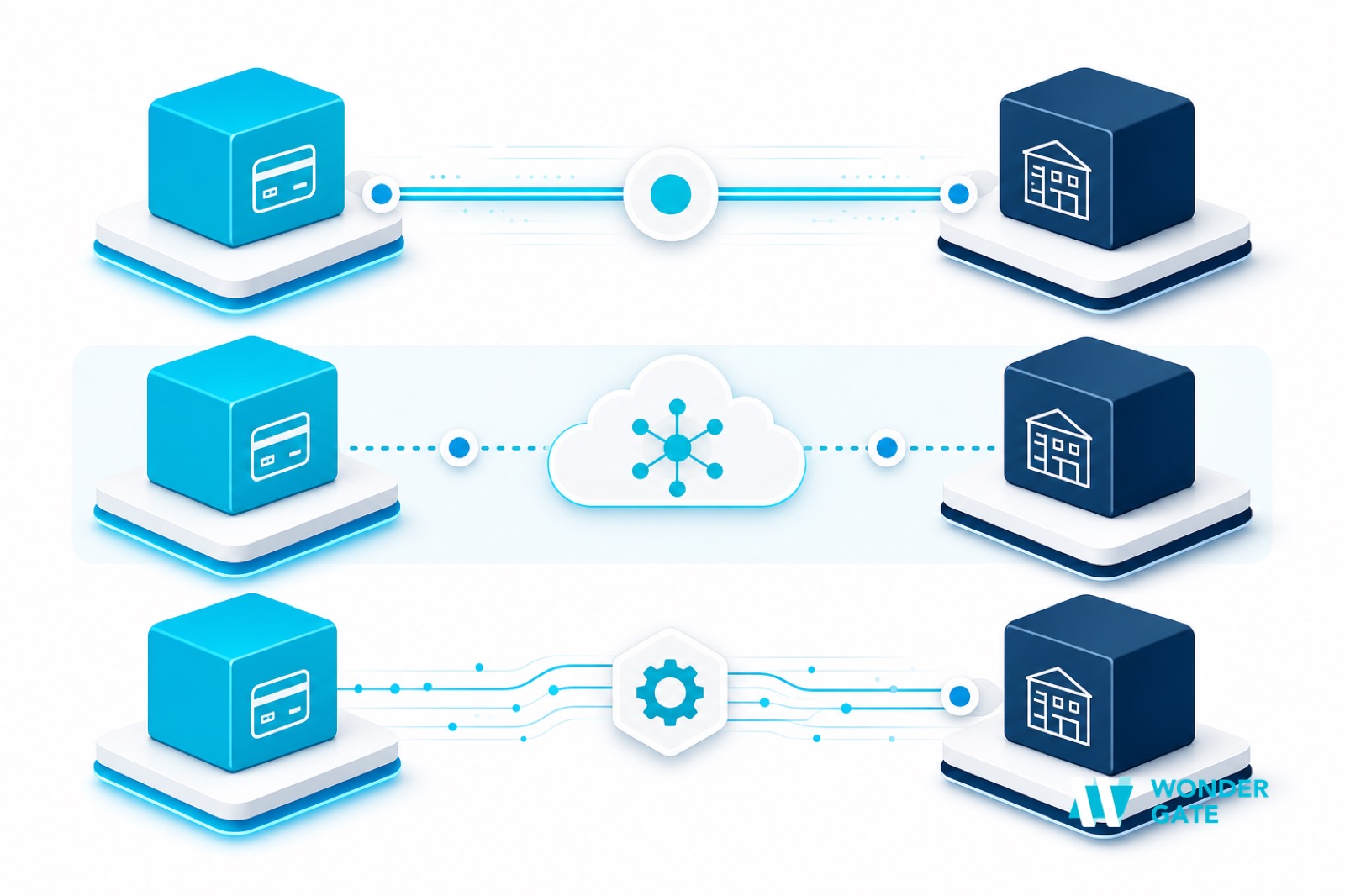
When a provider says "native", they are almost always describing one of three layers. Know which one you are being sold.
1. A pre-built connector. A maintained integration between the platform and a specific ERP — bi-directional, versioned, and supported by the vendor. This is the strongest form, but it exists only for the ERPs the vendor has chosen to build for. Ask which versions it supports and who maintains it when either side changes.
2. An iPaaS or marketplace app. A third-party integration built on a platform like an ERP app marketplace or a middleware service. It looks native, and it is faster to switch on than a project, but the sync is often one-directional or delayed, and the support path runs through a third party. Fine for moving vendor records; less reliable for real-time payment status.
3. A capable API and file interface. The platform exposes a well-documented API, and integration is a project you or a partner build. This is the most flexible and the least "native" — the work is yours, but so is the control. For teams with engineering capacity, it often produces the tightest fit, because you can model your own approval, posting, and reconciliation rules.
The blur is not always dishonest. A vendor with a strong API may call the connection native because, from their side, it is well supported and documented — they simply leave the last mile to you. The risk is not the word; it is the assumption a buyer draws from it, that no engineering work will be required. Naming the layer removes the assumption.
A quick way to separate the layers: ask the vendor to show you, in their own product, a payment that originated in the ERP and sees its status reflected back in the ledger without anyone touching a file. If they can, that is a connector. If they route you to a partner or a spreadsheet export, it is one of the other two.
How to Evaluate a Platform's ERP Coverage
Once you know which layer you are looking at, score the integration on five dimensions. Each maps to a failure mode that shows up later as manual work.
ERP and version coverage. Which of QuickBooks, NetSuite, SAP, Oracle, Dynamics, and others are supported, and on which editions. A connector that is three versions behind is a connector you will maintain yourself.
Direction and depth of sync. Does data flow both ways, and which objects does it cover — vendors, bills, payments, journals? One-way sync of vendor records is a very different product from bi-directional payment and journal posting.
Reconciliation depth. Does the integration match bank lines to bills, handle partial and split payments, and post FX differences — or does it stop at "a payment was created"? This is where most integrations quietly hand work back to a human.
Multi-entity and multi-currency handling. If you run more than one legal entity or currency, check how the integration treats intercompany flows and revaluation. Generic connectors often assume a single entity.
Observability. Can you see failed syncs, retry them, and trace a ledger entry back to its source payment? Silent failures are the most expensive kind.
Score each candidate against these five with your own ledger in the room, not a sandbox. Vendors configure demo data to look clean; your suppliers, entities, and payment patterns are what will expose where the integration stops. A platform that scores well on paper but cannot show a live round trip in your environment is one whose gaps you will discover at close, when they cost the most.
Payment Platforms Compared: QuickBooks, NetSuite, SAP, Oracle, Dynamics
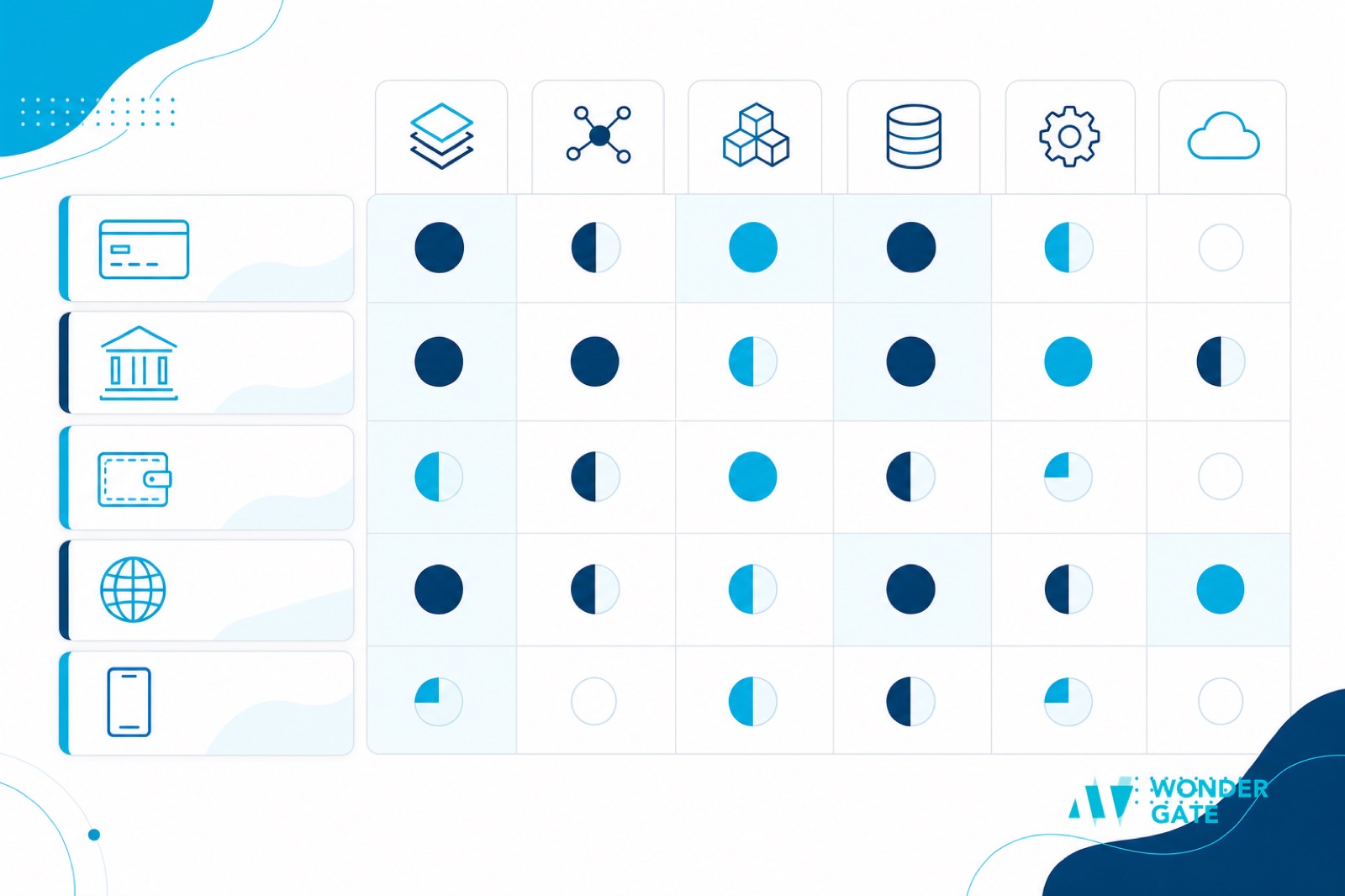
The table below describes what to expect by ERP, at the level of the integration you will actually get. Treat it as a starting map, not a verdict — capabilities change, and the only authoritative answer is a live demo against your own ledger.
| ERP | Typical native coverage | What to watch |
|---|---|---|
| QuickBooks Online | Widest — many platforms build here first | Sync often stops at bill level; check payment-status writeback |
| NetSuite | Strong among mid-market payment providers | Multi-subsidiary flows and SuiteApp vs API distinction |
| SAP | Enterprise-grade, less plug-and-play | Often a middleware project rather than a switch-on connector |
| Oracle | Varies by product (Fusion, NetSuite-adjacent) | Confirm which Oracle product, not just "Oracle" |
| Microsoft Dynamics | API-first; connector quality depends on partner | Check who owns the integration when the partner changes |
Notice the pattern: the smaller the buyer, the more likely a true connector exists; the larger the ERP, the more the "integration" is a project. That is not a defect in either direction — it reflects where vendors invest. It does mean that a platform with a beautiful QuickBooks connector may be the wrong choice for a multi-entity SAP group.
Five Checks to Verify a "Native" Integration
Before you trust the word, run these five tests. They take an afternoon and save a migration.
One — the round trip. Create a bill in the ERP, pay it from the platform, and confirm the status returns to the ledger without human intervention.
Two — the reference. Confirm the payment ID and your invoice reference survive to the bank line and back. If matching depends on amount and date, you have found your future re-keying work.
Three — the exception. Deliberately introduce a partial payment and an FX difference, and watch how the integration posts them. This is the test most demos skip and most closes fail on.
Four — the failure. Break the sync on purpose — disconnect the credentials, change a field — and see how the system reports and retries. Silent failure is the risk you are actually underwriting.
Five — the ownership. Ask who maintains the connector, on what SLA, and what happens at the next ERP release. Put the answer in writing.
Migration and Coexistence: Changing Platforms Without Breaking the Close
Most teams do not choose a platform on a blank slate; they change from one, mid-year, with a close to protect. Two habits make that survivable.
First, run the new integration in parallel for one close cycle. Keep the old path available, post both, and compare the two sets of journals. The differences are your true requirements, written by your own data rather than by a demo script.
Second, migrate by object, not by system. Move vendors first, then bills, then payments, then posting rules. Each object has its own reconciliation, and moving them one at a time keeps the errors attributable.
If your primary concern is the payment-to-ledger chain rather than platform choice, that ground is covered separately in ERP and accounting integration, which focuses on the mechanics rather than the selection.
A Platform Selection Checklist
Use this to compare candidates on equal terms.
Fit: Does it support your ERP, edition, and version with a maintained connector — or only via iPaaS or an API project? Can it handle your entities and currencies? See the wider evaluation criteria in choosing a B2B payments API.
Depth: Does it post journals and reconcile, or just move money? How does it treat partials, fees, and FX? The matching half is examined in payment reconciliation automation.
Coverage: Does its rail and corridor coverage match where you actually pay, across currencies and local methods? The landscape view is in B2B payment platforms compared.
Control: Can you enforce approval, beneficiary verification, and audit trails inside the integration, not beside it?
Exit: If you leave, how do you get your data out, and how much of the integration is yours versus theirs?
The word "native" is not going to disappear from vendor decks. But if you ask the five checks and score the five dimensions, you stop comparing adjectives and start comparing what will actually reach your ledger. That is the only comparison that matters at close.