
A finance manager opens QuickBooks to clear the month's payables. The domestic bills are done in a few clicks. Then the picture frays: four supplier invoices are in euros and pounds, the supplier bank details live in a spreadsheet outside QuickBooks, and the proof of payment sits in a bank portal the accounting system cannot see.
None of that is a QuickBooks defect. It is the ordinary seam where a small-business accounting system meets cross-border B2B payments — and it is the seam where finance teams either add structure or quietly add headcount.
What QuickBooks Bill Pay does — and where it stops
QuickBooks Online has a native bill pay capability: you record a bill against a vendor, approve it, and release payment from inside the platform, with the transaction and its status written back to the books. For a business paying domestic suppliers in a single currency, that covers most of the workflow, and the reconciliation is largely automatic because the payment and the ledger live in the same system.
The limits show up predictably. Native bill pay is strongest on domestic rails and the currencies it supports directly. The moment you need to pay a supplier in their local currency, route through an intermediary bank, or use a corridor the built-in payment service does not cover, you are back to creating the payment elsewhere and describing it in QuickBooks by hand. The bill gets paid; the accounting evidence does not travel with it.
The moment a QuickBooks payment leaves your own country
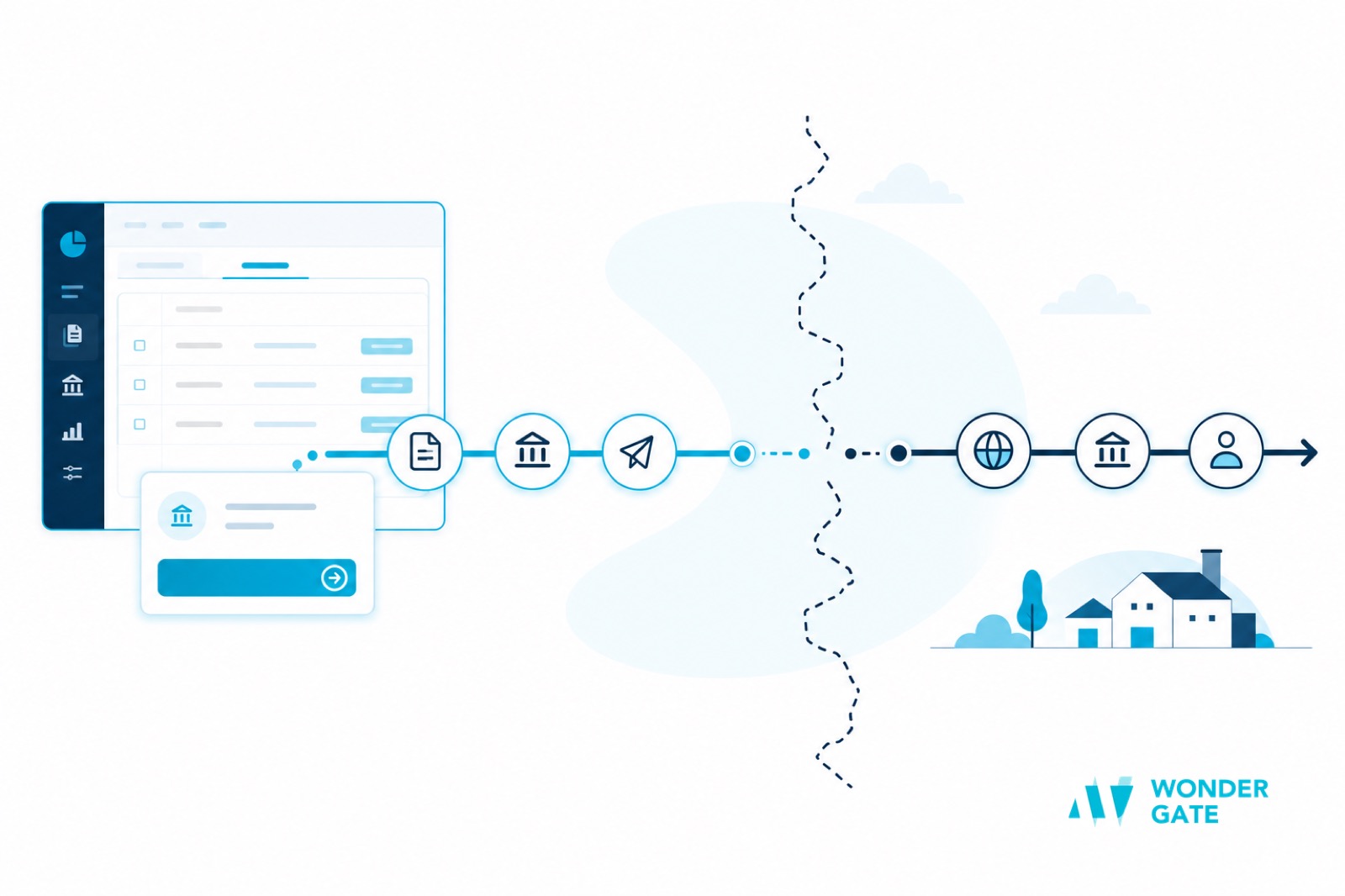
Cross-border payables introduce three things a domestic bill never asks about.
A currency that is not your ledger currency. The amount you owe, the amount the supplier receives, and the amount that leaves your account are three different numbers once FX and fees apply. Somebody has to decide which is the recorded payable and where the difference posts.
A bank detail you cannot fully verify. Overseas suppliers change accounts, and a wrong beneficiary number is not reversible. In cross-border payments the beneficiary name, account, and routing or IBAN details are the whole ballgame — the checks behind bank account and IBAN validation matter more here than on a domestic ACH line, because a recall across borders is slow and uncertain.
Evidence that lives in two places. The payment platform holds the transfer ID, the FX rate, and the fee; QuickBooks holds the bill and the vendor. Until those two are joined by a shared reference, month-end means someone re-keying and cross-checking by hand.
Three ways to connect payments to QuickBooks
Most teams end up on one of three paths, and it helps to see them honestly side by side.
1. Native bill pay only. Simplest and cheapest. Best when your suppliers are domestic or fall within the built-in corridor list, and when you would rather change payment habit than add a system. It stops being enough as soon as cross-border volume grows.
2. App-marketplace connector. A third-party app syncs payables, vendors, and sometimes payment status between QuickBooks and a payment service. It closes the data gap without engineering work, but the sync is usually one-directional or delayed, and exception handling still lands on a person. It is a good fit when the goal is "stop re-keying vendor records" rather than "automate the whole pay cycle".
3. Direct integration to a payment platform. Your payment provider exposes an API, and bills, vendors, payment status, and reconciliation data flow in both directions. This is the path that scales across currencies and corridors, and it is the same model larger payables teams use — explained in general terms in our guide to ERP and accounting integration. It costs more to set up and pays back in fewer manual entries per close.
What a cross-border bill should carry
Automation is only as good as the data on the bill. Four fields earn their place, because each one creates a manual step when it is missing.
The supplier's local currency and the settlement currency. Record both, plus which one the payable is held in. Without this, every FX difference becomes a judgment call at close instead of a rule.
A verified beneficiary profile. The account, routing or IBAN details, and the name on the account, captured once and re-checked on any change. This is the field most worth slowing down for.
The payment purpose and reference. What the payment is for, and the reference the supplier will recognise. Some corridors require a purpose code for the payment to clear at all.
The fee and rate basis. Who bears intermediary fees, and whether the supplier is paid gross or net. Deciding this on the bill — not on the bank statement later — keeps the vendor balance clean.
Keeping bills, vendors, and payment status in sync
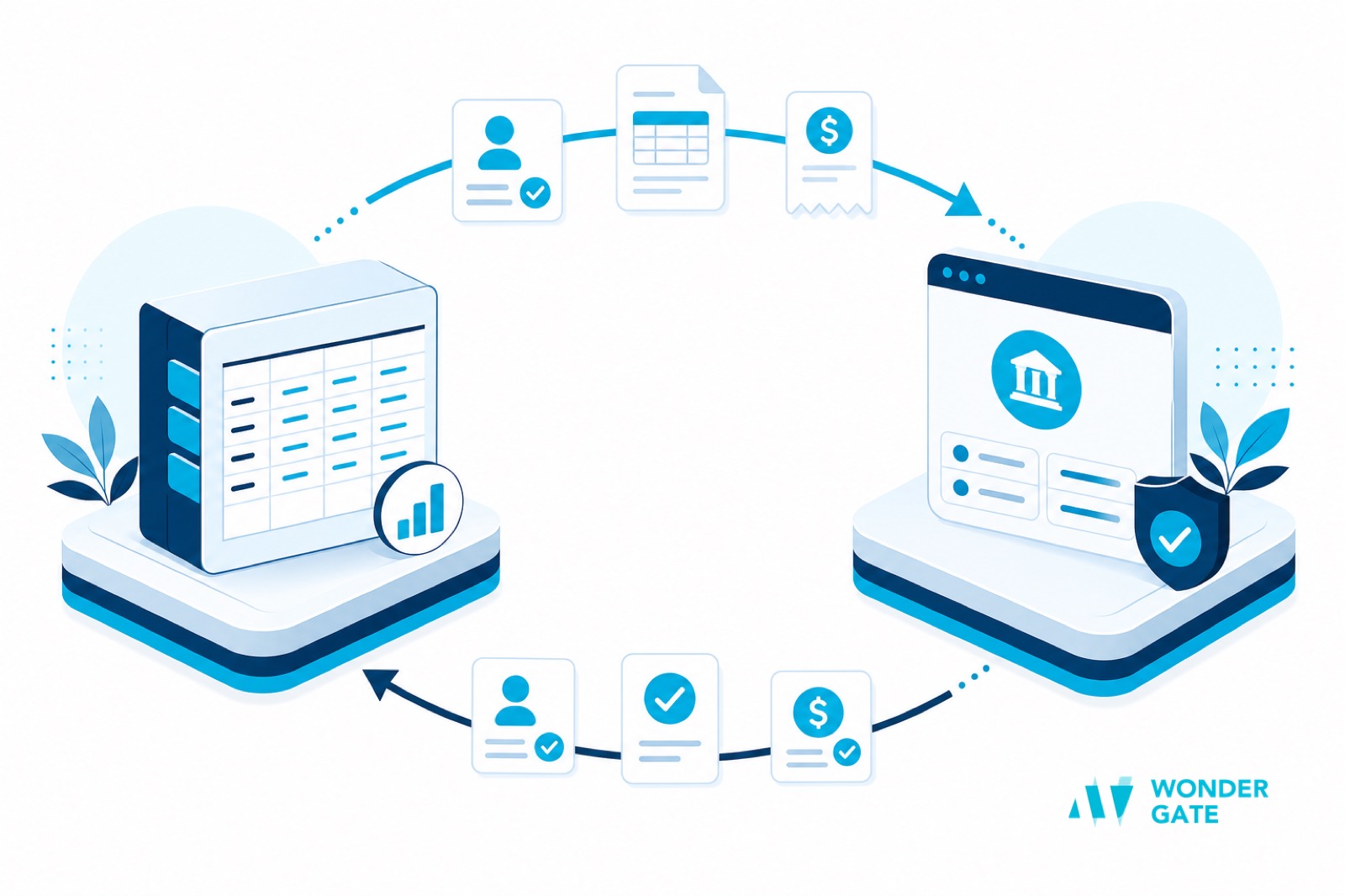
Sync is not one job. Separate the three objects and decide how each is mastered.
Vendors. If a vendor is created in two places, it will drift. Pick one system of record and treat the other as a mirror. The dangerous field is the bank account, not the name — a duplicated vendor with a stale account number is how a payment goes to the wrong place.
Bills. The bill is the source of truth for amount and due date. Whatever releases the payment should read the bill, not a copy of it, so a correction in QuickBooks does not get paid at the old figure.
Payment status. Released, in transit, settled, returned — these states should write back to the bill so the ledger reflects reality without a manual journal. This is the field cross-border teams most often miss, because the status lives on the payment side and the bill lives on the accounting side.
Bank feeds and reconciliation: the step that decides your close
A bank feed brings statement lines into QuickBooks, but a feed is not a reconciliation. Feeds still have to be matched to bills, split when one transfer pays several invoices, and adjusted when the settled amount differs from the booked amount.
Two habits make the difference. First, insist on a structured payment reference that survives to the bank line, so matching is rule-based rather than amount-and-date guesswork. Second, treat FX differences and fees as their own posted lines instead of hiding them inside the vendor balance. The wider mechanics of matching inbound and outbound flows are covered in our guide to B2B payment reconciliation automation.
Multi-currency suppliers in QuickBooks
QuickBooks supports multi-currency transactions, but support is not the same as automation. The practical questions are: which rate is recorded on the bill versus the payment, and who revalues open balances at period end? For a handful of foreign invoices a manual policy is fine. For a steady stream, it is worth having the payment platform report the executed rate alongside each payment, so the ledger uses one consistent source rather than a rate someone looked up on the day. The same discipline keeps settlement from becoming its own reconciliation exercise, and it is the thread behind our guide to reducing cross-border payment costs.
Controls to keep before money leaves
QuickBooks bill approval is not the same as payment approval, and conflating them is a common and expensive mistake. Before any cross-border payment is released, three controls should hold: separation between the person who creates a vendor and the person who approves a payment to it; verification of bank details on first use and on any change; and a review step for anything above a threshold or outside the usual corridor. These are the same principles that scale up in a formal payment approval workflow, and they matter more, not less, in a small team where one person often wears several hats.
Common mistakes when connecting payments to QuickBooks
Most failed integrations are not technical failures; they are boundary failures. Four recur.
Two masters for the vendor list. Vendors created in both systems drift, and the drift that hurts is the bank account, not the name. Choose one system of record and make the other a mirror.
Syncing that a payment exists, but not what state it is in. A sync that records "a payment was created" and never updates it to settled or returned leaves the ledger permanently behind reality.
Assuming the bank feed closes the loop. A feed imports statement lines; it does not match them to bills or post FX differences. The feed is an input, not a reconciliation.
Letting one person own both the vendor and the payment. In a small team this is tempting, and it is exactly the combination a fraudster relies on. Keep the two roles separate even when it feels like overkill.
Each of these is cheap to prevent at design time and expensive to unwind at close time.
Choosing your integration path
Decide by volume and corridor mix, not by ambition. If a handful of foreign bills a month is the reality, native bill pay plus a disciplined manual check is honest and cheap. If cross-border payments are the rule rather than the exception, the manual bridge will cost you more in close time and error risk than an integration; pick a payment platform that returns structured status and a stable reference, keep one master for each object, and let the routine post itself.
The goal is unglamorous: a supplier bill should be approvable, payable, and provable without anyone carrying numbers between two systems. QuickBooks can be the books of record and the payment platform the executor. The teams that get it right decide the boundary early, and stop paying for it in re-keying every month.